Mac
Video Converter for Mac: Convert & Edit Video
The best free and paid video converter tools for Mac, from HandBrake to Permute. Convert DVR to MP4, edit clips, and speed up exports on Apple Silicon.
Working with video on a Mac touches a dozen small tasks: converting a format that QuickTime refuses to open, editing a clip, pulling a video off YouTube, recording your screen, or importing footage from a camera. This hub pulls together every guide we have for each of those jobs, so you can find the right method without wading through forum threads. Each guide states the macOS version its tools publish support for, and lists the free option first. Working with physical discs instead? See the Mac DVD & Blu-ray Toolkit.
The best free and paid video converter tools for Mac, from HandBrake to Permute. Convert DVR to MP4, edit clips, and speed up exports on Apple Silicon.
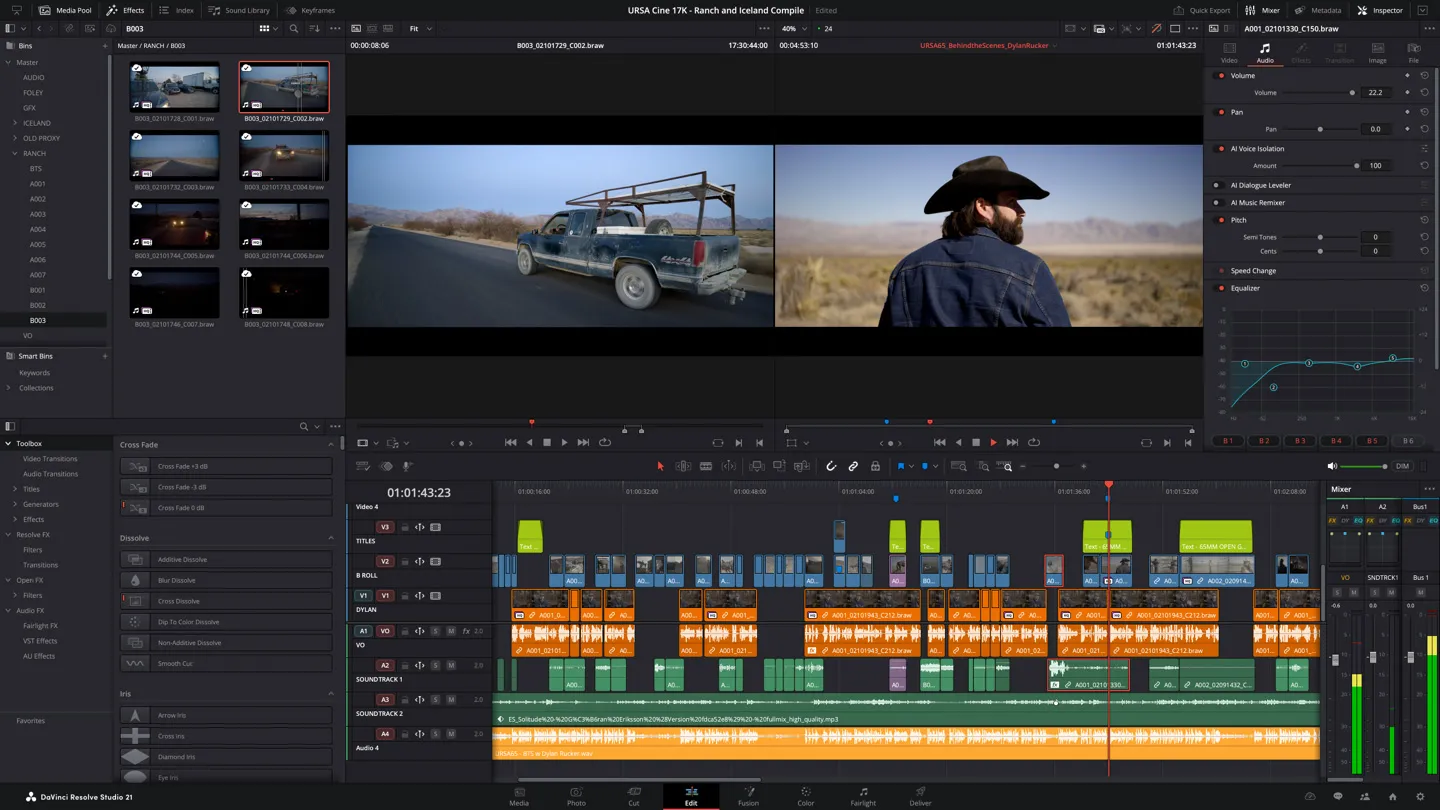
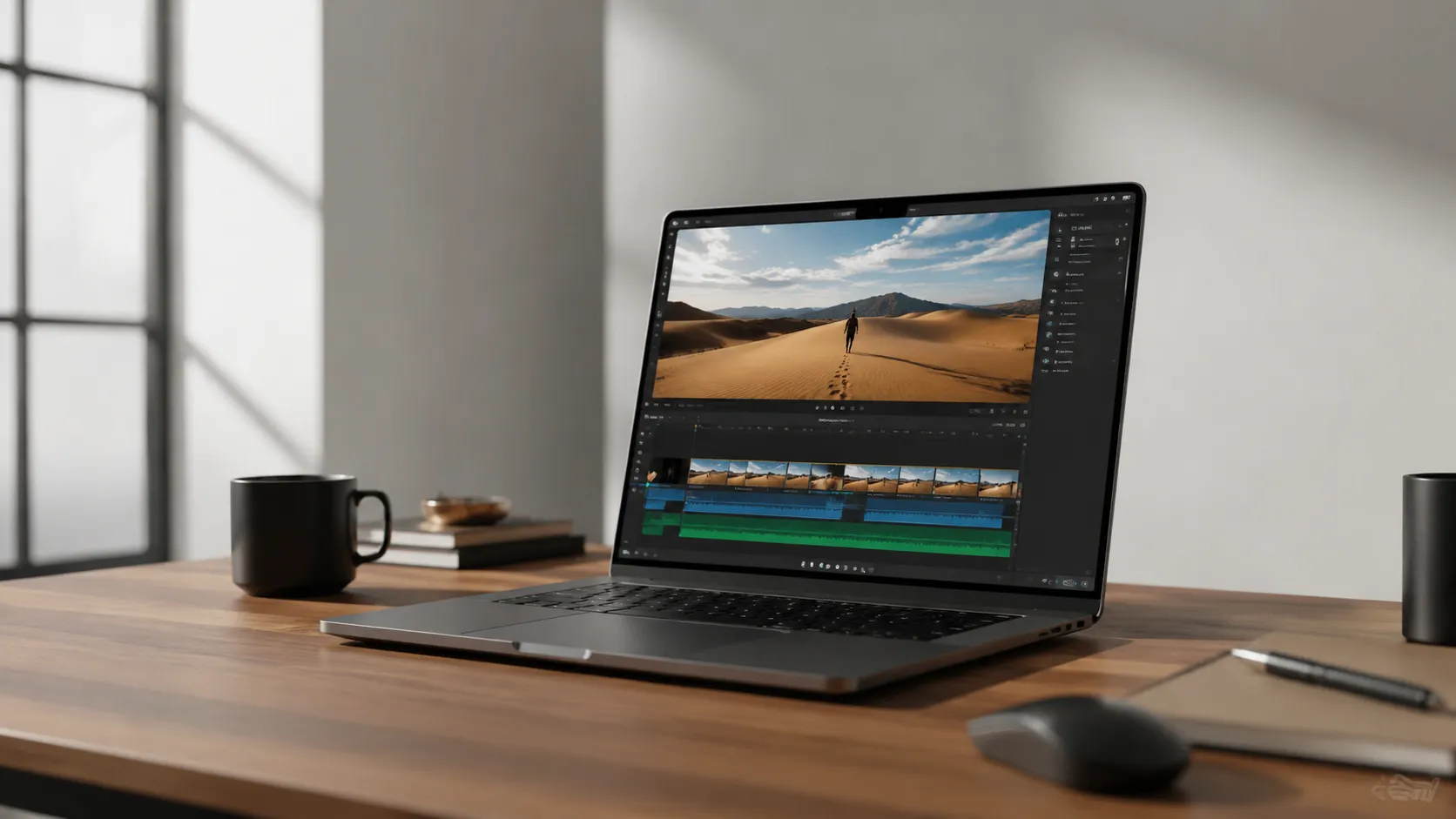
Find the best free video editor for Mac in 2026. No watermarks, 4K support, honest pros/cons for iMovie, DaVinci Resolve, CapCut, and more.
Download YouTube videos on Mac in up to 8K, free. Compare yt-dlp, Downie, EaseUS, and online YouTube converters for Mac, with the exact steps and the quality each method delivers in 2026.
Learn how to convert Facebook video to MP3 using free online tools, VLC, yt-dlp, and desktop apps. Step-by-step guide with quality comparisons.
Free screen recorders for Mac in 2026, compared on the three things that actually differ: watermarks, time limits and whether they capture system audio. Includes the two built into macOS and an OBS Studio setup.
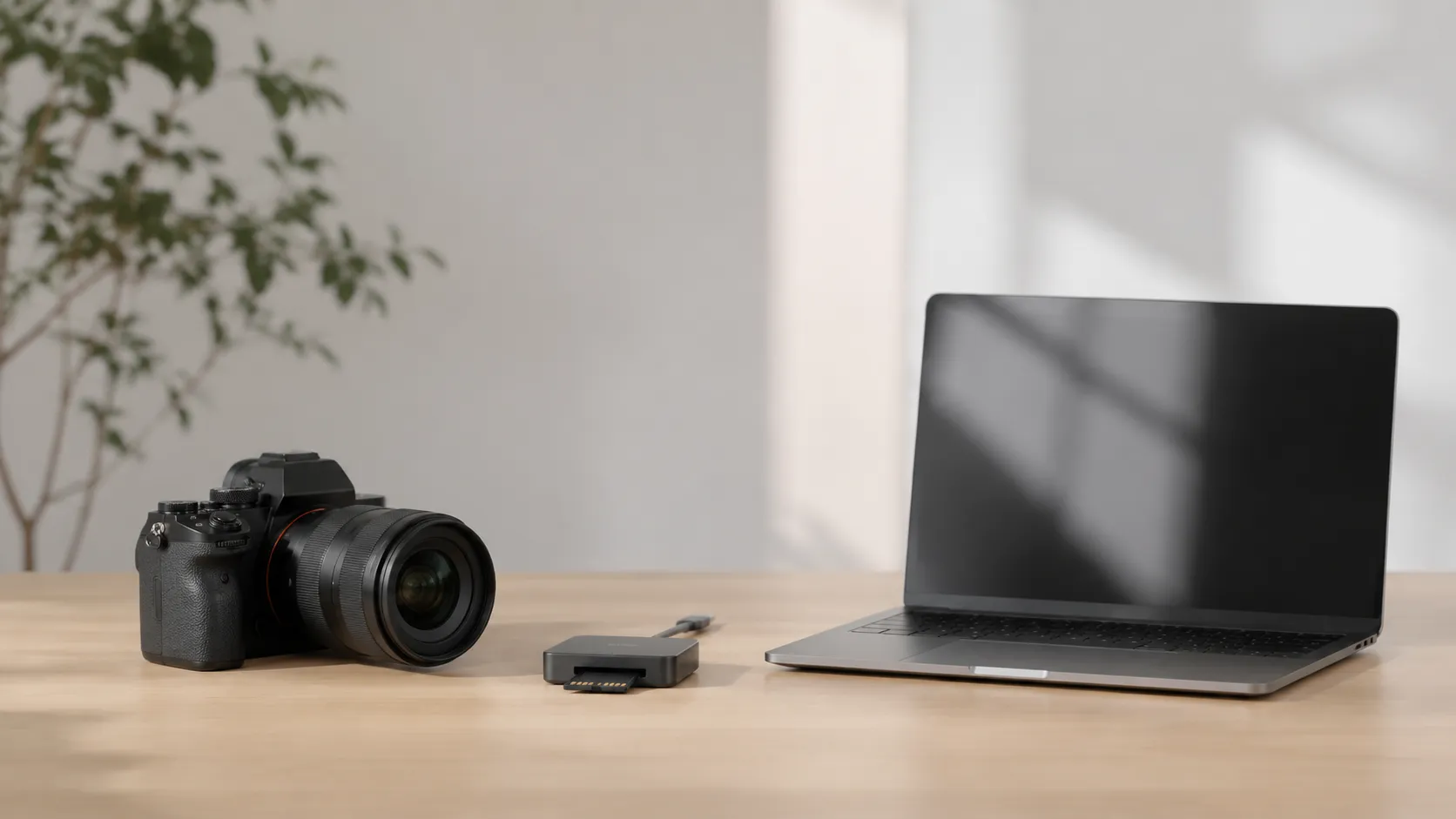
Step-by-step guide to import camera video on Mac via USB, SD card, or Wi-Fi. Covers Canon, Sony, GoPro, troubleshooting, and software options.
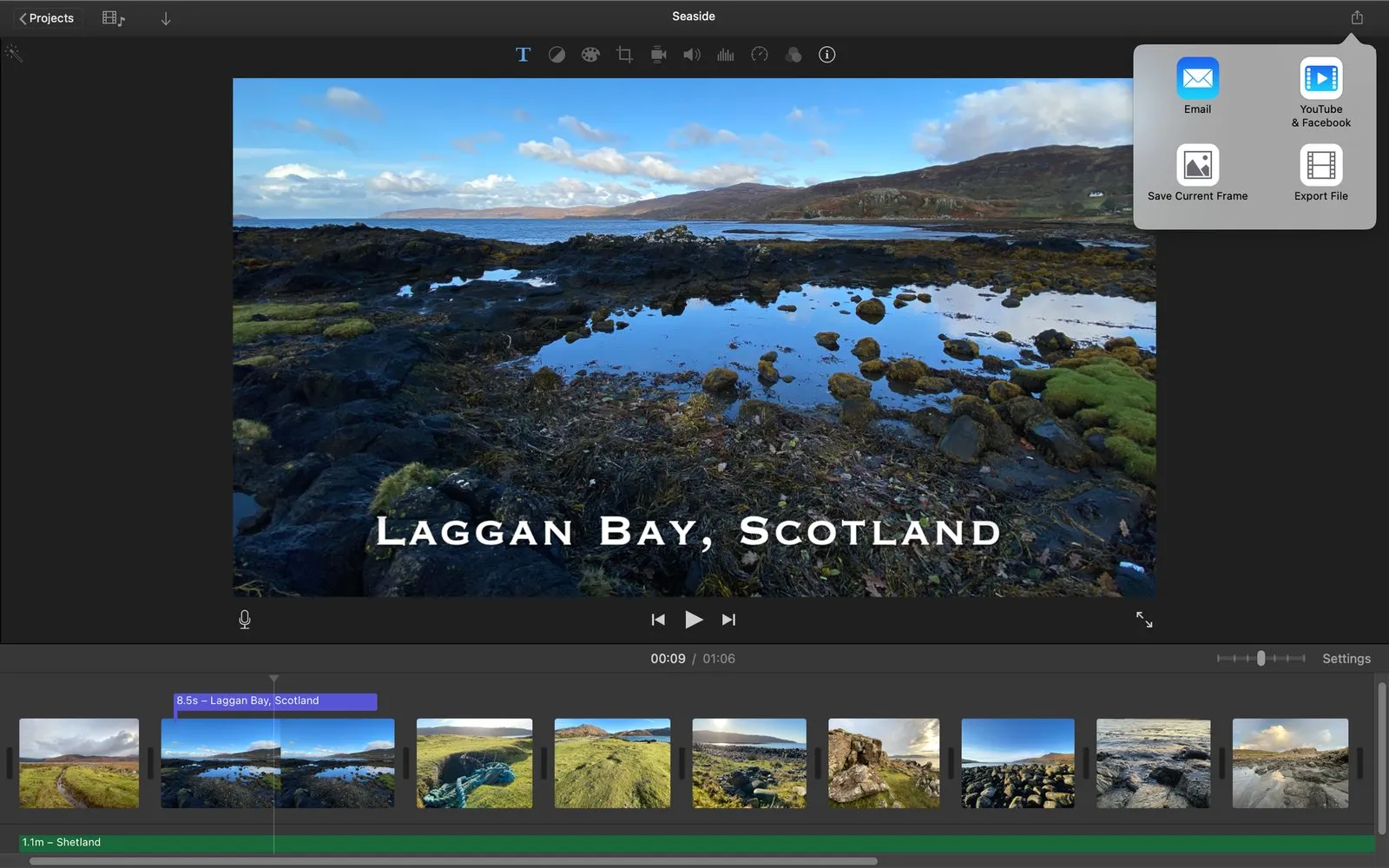
Step-by-step guide to export an iMovie project on Mac, iPhone, and iPad. Covers formats, quality settings, collaboration, and common export problems.