Convert Facebook Video to MP3: Online Tools, VLC and yt-dlp
Why Extract Audio from a Facebook Video?
Facebook hosts an enormous volume of audio-rich content: live music sets, podcast-style interviews, comedy sketches, and the kind of short soundbites people want as ringtones. Extracting that audio as an MP3 lets you listen offline, archive a recording, or drop a clip into a video project without re-streaming. The catch is that Facebook deliberately makes direct downloading difficult, so you need the right method for your situation.
One pattern that comes up repeatedly in real-world usage: someone wants to grab a 10-second funny quote from a friend’s video to set as a notification tone. Another common case is archiving a live-stream before the creator deletes it. Both needs are legitimate, and both require different tools depending on whether the video is public or private.
Top Free Online Facebook to MP3 Converters
Online converters are the lowest-friction option because they require no software installation and work on any device with a browser. The catch is that most of them do not last, and this guide is a case study in that.
It used to compare four, taken from a Wondershare guide dated May 21, 2026 which named FbLoadm, OnlineVideoConverter and FacebookVid as the three most consistently functional free options. Checked against the Internet Archive on August 31, 2026, none of the three has been archived at any point since 2025, while a live control site queried the same way came back immediately:
| Tool | State on August 31, 2026 |
|---|---|
| TurboScribe.ai | Live, and archived steadily through 2026 |
| OnlineVideoConverter | Gone. Nothing archived since June 2023 |
| FacebookVid | Gone. Nothing archived since June 2024 |
| FbLoadm | No archived capture on record, and it does not answer |
So TurboScribe.ai is the only one of the four worth opening, and it still only claims to be free, fast and ad-free rather than being something we can vouch for. The wider point is worth more than the table: converter sites in this category get taken down, renamed or quietly abandoned, so any list of them decays fast, this one included. The command-line methods further down do not have that problem, because ffmpeg and yt-dlp are maintained projects rather than ad-funded websites.
How to use any of these tools (3 steps):
- Open the Facebook video in your browser, click the three-dot menu, and copy the video link.
- Paste the URL into the converter’s input field and select MP3 as the output format.
- Click Convert or Download, wait for processing, then save the file to your Mac or iPhone.
One limitation worth stating plainly: Reddit users have reported that several Facebook downloaders cap resolution at 360p or 720p for video, which indirectly caps audio quality because the lower-resolution streams often carry lower-bitrate audio tracks. If audio fidelity matters, test the output before committing to a tool.
Best free music download sites for legal audio
How to Use VLC Media Player for Facebook Video to MP3 Conversion
VLC is a free, open-source media player that can convert audio formats entirely offline, making it the best desktop option for users who do not want to upload video to a third-party server. The process involves two stages: downloading the Facebook video as MP4 first, then using VLC’s built-in converter to strip the audio.
VLC’s conversion feature is found under the Media menu, not in an obvious place, which trips up new users. Kevin Stratvert’s tutorial on this method had drawn over 300,000 subscribers to his channel, indicating how much demand exists for a clear walkthrough.
Converting a Facebook video to MP3 using VLC on Mac:
- Download the Facebook video as an MP4 file using one of the online tools above, or the mbasic URL trick described later in this article.
- Open VLC, go to File, then choose Convert/Stream.
- Click Open Media and select your downloaded MP4 file.
- Under Choose Profile, select Audio - MP3 from the dropdown.
- Click Save As File, choose a destination folder, and name the output file with a .mp3 extension.
- Click Go. VLC will process the file locally and produce an MP3 in the chosen folder.
VLC’s conversion of a short clip finishes in seconds on Apple Silicon. Set the bitrate to 128 kbps in the profile settings to match Facebook’s source audio and avoid a quality-degrading re-encode at a higher bitrate.
Desktop Software for Extracting Audio from Facebook Videos
For users who regularly extract audio from social media, a dedicated desktop tool avoids the ad-clutter of browser-based converters. iTunes alternatives for Mac cover some of this ground for music libraries, but for Facebook specifically, yt-dlp is the most capable free option.
yt-dlp is an open-source command-line program (a fork of the older youtube-dl project) that supports Facebook, YouTube, and hundreds of other sites. It does not upload your video to any server: everything happens locally.
Installing and using yt-dlp on Mac:
- Install Homebrew if you have not already by running
/bin/bash -c "$(curl -fsSL https://brew.sh)"in Terminal. - Run
brew install yt-dlpandbrew install ffmpeg(ffmpeg handles the audio encoding). - Copy the Facebook video URL.
- Run:
yt-dlp -x --audio-format mp3 --audio-quality 0 "PASTE_URL_HERE" - The MP3 file saves to your current working directory.
The --audio-quality 0 flag applies the highest available variable bitrate setting. Because Facebook’s source audio is 128 kbps AAC, the practical ceiling is 128 kbps, but yt-dlp avoids the additional quality loss that re-encoding tools introduce.
A separate open-source Electron-based desktop app available on GitHub wraps yt-dlp with a graphical interface and supports MP3, FLAC, and M4A output formats. It is a reasonable choice for users who prefer a window over a Terminal prompt, though it requires more setup than simply running yt-dlp directly.
Download YouTube videos on Mac using similar yt-dlp methods
How to Get MP3 from Private or Restricted Facebook Videos
Private Facebook videos present a genuine technical barrier: no online converter can access a video that requires a logged-in session to view. The only workable method uses yt-dlp combined with your browser’s session cookies, which authenticate the request as if yt-dlp were you.
Using yt-dlp with cookies for private videos:
- Install the “Get cookies.txt LOCALLY” extension in Chrome or Firefox.
- Navigate to Facebook while logged in, then export your cookies to a file named
cookies.txt. - Run:
yt-dlp -x --audio-format mp3 --cookies cookies.txt "PASTE_PRIVATE_VIDEO_URL"
This approach only works for videos you have legitimate access to. Using someone else’s cookies, or attempting to access videos you are not authorised to view, crosses into a privacy and legal violation. State this clearly before attempting it.
A separate trick worth knowing: replacing www with mbasic in a Facebook video URL (for example, changing https://www.facebook.com/... to https://mbasic.facebook.com/...) opens a simplified mobile version of the page. On this version, the video file is sometimes directly accessible via a right-click Save As on some browsers, though this is inconsistent and Facebook periodically patches it.
Converting Facebook Reels and Short Clips to MP3
Facebook Reels are short-form vertical videos, typically under 60 seconds, that have become a major content format. Their URLs follow the pattern facebook.com/reel/[ID], and most online converters handle them identically to standard videos. yt-dlp also supports Reels without any special flags.
On mobile, the workflow differs. iOS users can load an online converter in Safari, paste the Reel URL, and download the MP3 to the Files app. The Documents by Readdle app provides a more reliable download manager for this purpose because Safari’s handling of MP3 file downloads is inconsistent depending on iOS version.
On Android, a more technical option has emerged in real-world usage: running Termux with ffmpeg installed allows local MP3 extraction without uploading anything to a third-party server. This is the same principle as yt-dlp on Mac but running on the phone itself. It requires comfort with a command line, but it produces clean output and avoids the ad-heavy online tools entirely.
Record your Mac screen to capture streaming audio as an alternative
Open-Source and Ad-Free Solutions
The ad-cluttered experience of most free online converters is one of the most consistent complaints from users who use these tools regularly. Pop-ups, fake download buttons, and redirect pages make the process genuinely unpleasant. Three alternatives sidestep this:
yt-dlp (described above) is the cleanest option: no ads, no uploads, no registration, and active maintenance from an open-source community.
The Electron-based GitHub app wrapping yt-dlp adds a GUI and, notably, includes a novelty slow-plus-reverb audio mode that some users have found useful for music extraction. It supports MP3, FLAC, and M4A, giving you format flexibility that online tools do not.
ffmpeg directly is the most powerful but least accessible option. If you have already downloaded a Facebook video as MP4, the command ffmpeg -i input.mp4 -q:a 0 -map a output.mp3 extracts the audio stream with minimal re-encoding overhead. ffmpeg is free, open-source, and available via Homebrew.
Troubleshooting Common Facebook to MP3 Conversion Issues
Even reliable tools fail in predictable ways. Here are the most common problems and their fixes.
The converter says “video not found” or returns an error. Facebook regularly changes its video URL structure and API endpoints. If an online tool fails, try copying the URL from the Facebook mobile app’s Share menu rather than the browser address bar. For yt-dlp, run yt-dlp -U to update to the latest version, which usually resolves site-specific breakage within days of a Facebook change.
The output MP3 has no audio or is silent. This usually means the tool downloaded the video-only stream and skipped the audio track. In yt-dlp, adding -f bestaudio forces selection of the best audio stream. In VLC, verify that the Audio - MP3 profile is selected, not a video profile.
Download speed is extremely slow. Some online converters throttle free users to push paid plans. Switching to yt-dlp eliminates this entirely because the download comes directly from Facebook’s CDN at your full connection speed.
The MP3 sounds muffled. Double-compression is the cause: the tool re-encoded already-compressed Facebook audio instead of passing through the original stream. Use yt-dlp with -x --audio-format mp3 which extracts the audio and re-encodes once, or use ffmpeg’s -codec:a copy flag to pass the AAC stream through without any re-encoding (producing an M4A file rather than MP3).
The tool works but adds a watermark or jingle. This is a monetisation tactic used by some free services. The open-source tools (yt-dlp, ffmpeg, VLC) never add watermarks. If you encounter this, switch tools.
Full guide to video conversion and editing tools on Mac
Choosing the Right Method for Your Situation
Different workflows suit different users. Here is a direct comparison across the full range of methods:
| Method | Best For | Requires Install | Ad-Free | Private Video | Audio Quality |
|---|---|---|---|---|---|
| Online converter (ad-supported) | Quick, one-off public videos | No | No | No | 128 kbps |
| TurboScribe.ai | Ad-free quick conversion | No | Claimed yes | No | 128 kbps |
| VLC Media Player | Offline conversion, no CLI | Yes (free) | Yes | No | 128 kbps |
| yt-dlp (CLI) | Batch jobs, private videos, best quality | Yes (free) | Yes | Yes (with cookies) | 128 kbps VBR |
| ffmpeg (CLI) | Lossless stream extraction | Yes (free) | Yes | Yes (with cookies) | Source quality |
| Electron/yt-dlp GUI app | CLI-averse users wanting GUI | Yes (free) | Yes | Yes (with cookies) | 128 kbps VBR |
For a single public video with no technical setup, TurboScribe.ai gets the job done in under two minutes. For anything involving private videos, batch downloads, or audio quality you can trust, yt-dlp with ffmpeg is the clear choice.
Key Takeaways
- Facebook re-encodes uploaded video audio to approximately 128 kbps AAC, so no conversion tool can exceed that quality ceiling regardless of claims.
- Online converters work for public videos with no installation, but ad clutter and slowness are real trade-offs, and the individual sites churn: of the four this guide named until August 2026, three had already gone offline, one of them in 2023.
- yt-dlp combined with ffmpeg is the best all-round solution: free, open-source, ad-free, and capable of handling private videos when used with your own session cookies.
- VLC is the best offline GUI option for Mac users who want to avoid the command line and keep video processing local.
- The mbasic URL trick (replacing
wwwwithmbasicin a Facebook URL) sometimes exposes a direct download link but is inconsistent and may stop working after Facebook updates.
Frequently Asked Questions
Is it legal to convert a Facebook video to MP3?
Converting a Facebook video to MP3 for personal, offline use sits in a grey area under Facebook’s Terms of Service, which prohibit downloading content without permission. Copyright law adds a second layer: if you do not own the rights to the audio, distributing or monetising the MP3 is infringement. Extracting a clip you recorded yourself, or content explicitly released under a Creative Commons licence, is the safest position.
What audio bitrate can I expect from Facebook video to MP3 converters?
Facebook re-encodes uploaded videos, so the source audio is typically 128 kbps AAC regardless of what the uploader originally submitted. Online converters that simply strip that audio stream will give you 128 kbps MP3 at best. Tools like yt-dlp with the ‘—audio-quality 0’ flag apply the best available VBR setting, but they cannot recover quality that Facebook already discarded.
Can I convert a private Facebook video to MP3?
Private videos are only accessible to logged-in users with permission, so no public online converter can reach them. The only reliable workaround is to use yt-dlp with your own Facebook session cookies exported from your browser, which authenticates the download request. This works only for videos you have legitimate access to, not for videos restricted to other users.
Do any Facebook to MP3 converters work on iPhone?
On iOS, browser-based converters load in Safari and can trigger an MP3 download to your Files app. The Documents by Readdle app provides a built-in browser plus download manager that handles this reliably. There is no native iOS app in the App Store for Facebook audio extraction because Apple’s guidelines prohibit apps that circumvent platform restrictions.
Why does my downloaded MP3 sound muffled or distorted?
The most common cause is double-compression: the converter re-encodes the already-compressed Facebook audio instead of passing through the original stream. Choose a tool that offers ‘extract audio’ rather than ‘re-encode to MP3’ when possible. If using VLC, set the audio codec to MP3 and the bitrate to 128 kbps to match the source, which avoids a quality-degrading up-encode.
Recommended reading
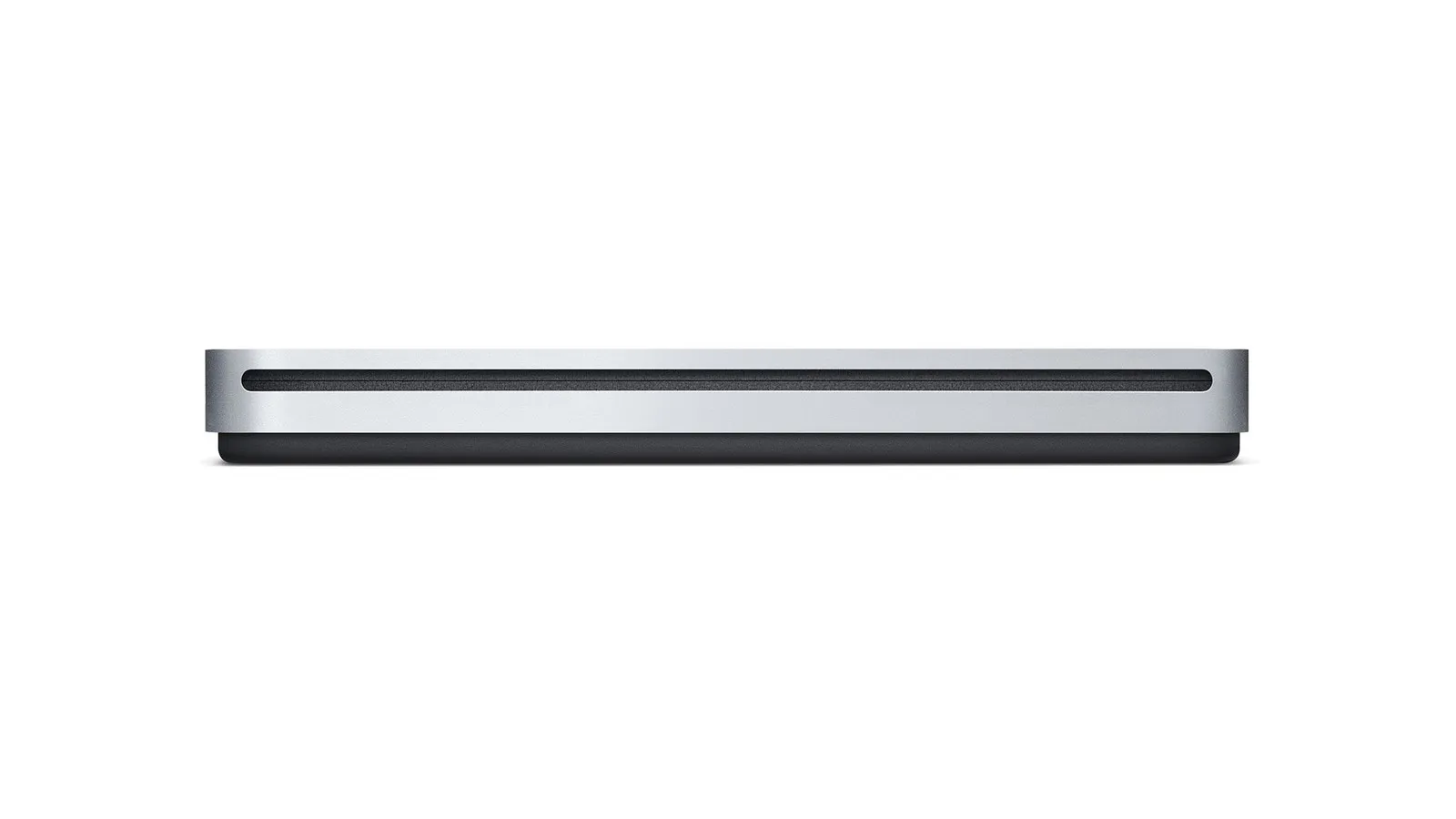
External DVD Drive for Mac in 2026: What Actually Works
Apple stopped selling the USB SuperDrive in 2024 and now sells nothing that reads a disc. What Apple still documents, what the drive makers actually promise, and where their promises stop.
How to Play Blu-Ray on Mac: The Drive, the Software and What It Costs
Learn how to play Blu-ray on Mac with the right external drive and software. Free VLC method, paid apps, and ripping compared for macOS Tahoe 26.
Best Blu-Ray Ripper for Mac in 2026: Free & Paid
Compare the Blu-ray ripping software available on Mac in 2026: MakeMKV, HandBrake, DVDFab and EaseFab, what an external drive costs, and where the law draws the line.