iPhone & Mac
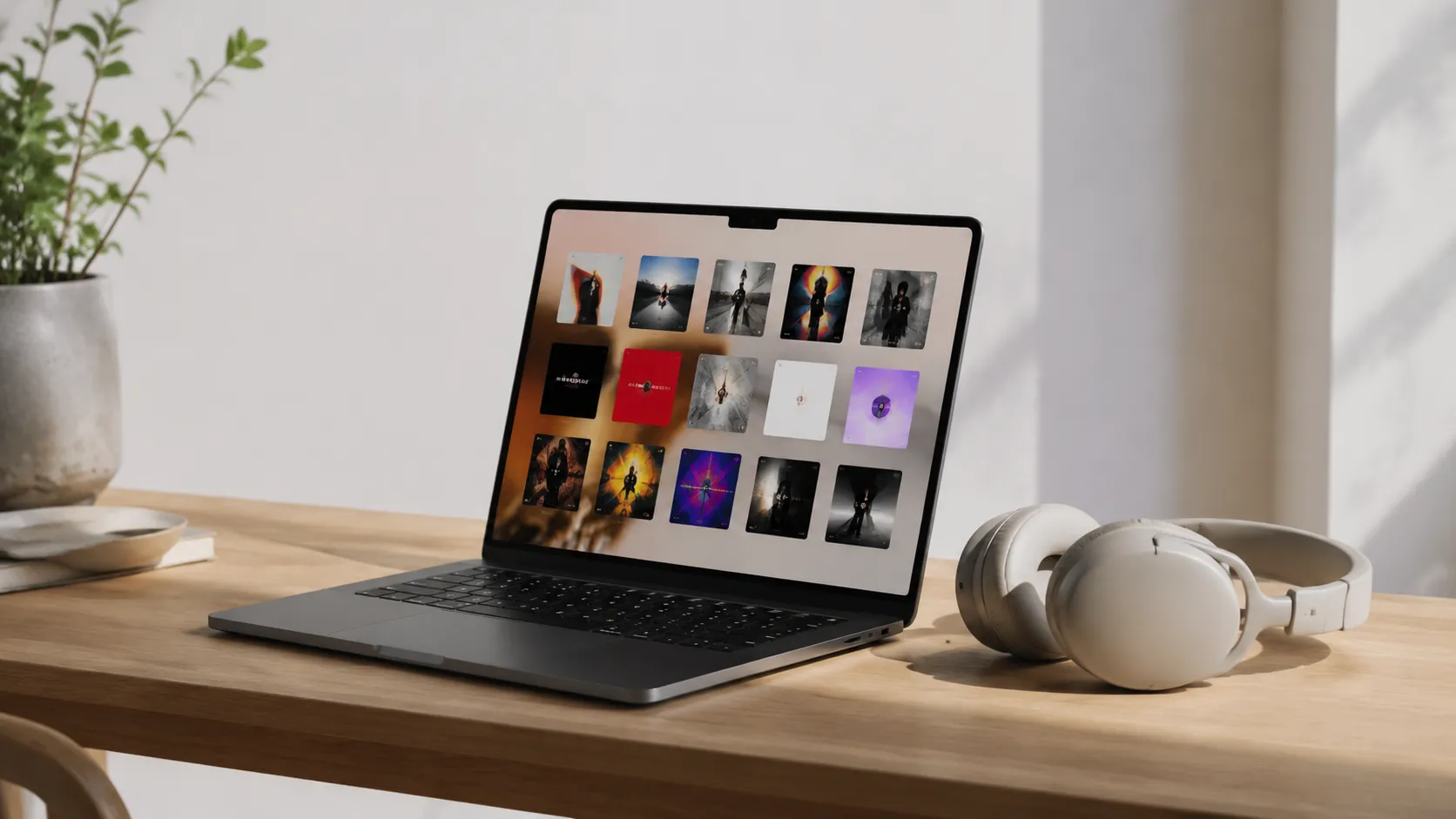
Transfer iPhone Music to Mac: Why No Single Apple Method Covers Everything
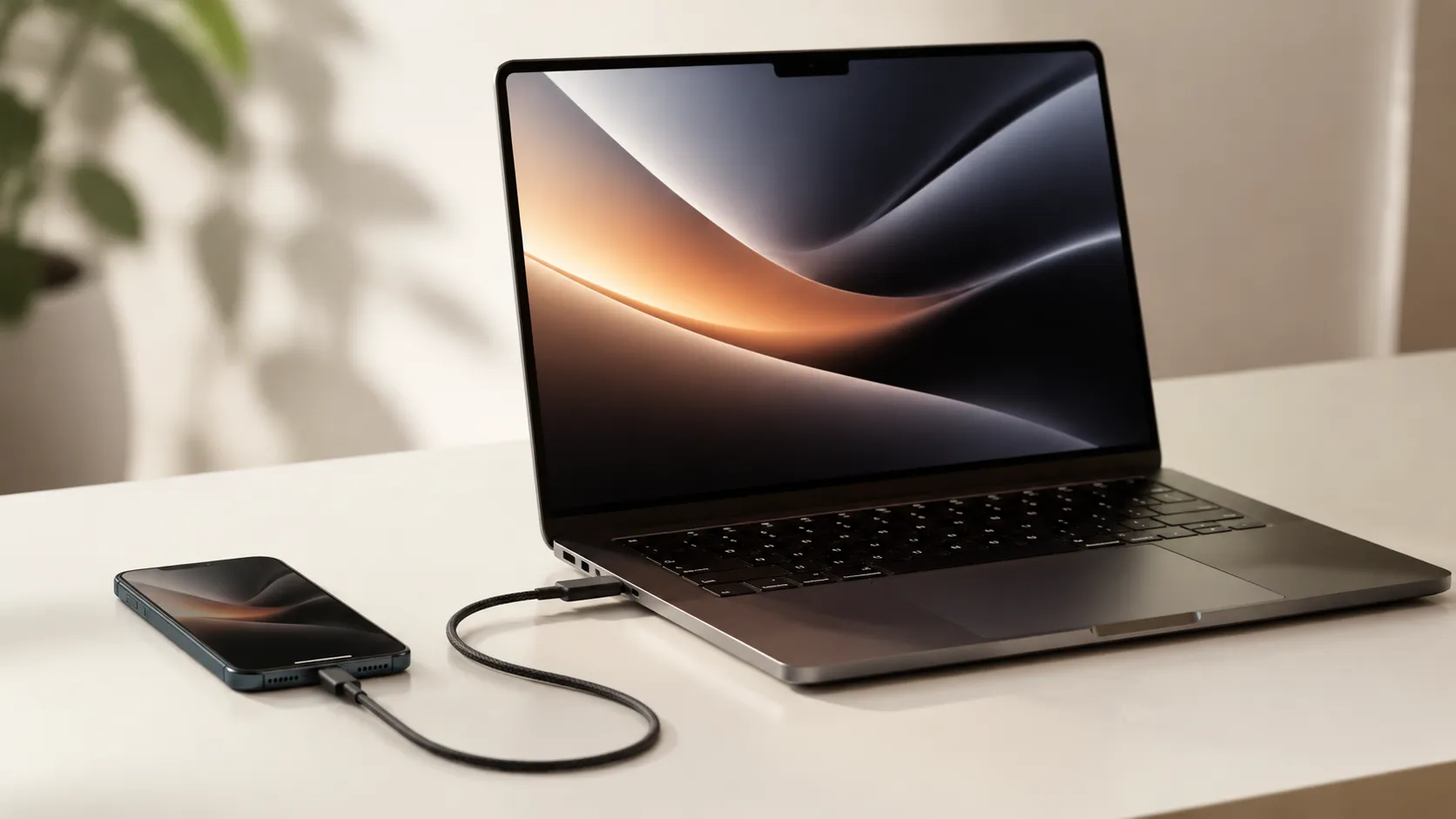
Learn how to transfer iPhone music to Mac using Finder, iCloud, AirDrop, and third-party tools. Free and paid options covered with step-by-step instructions.
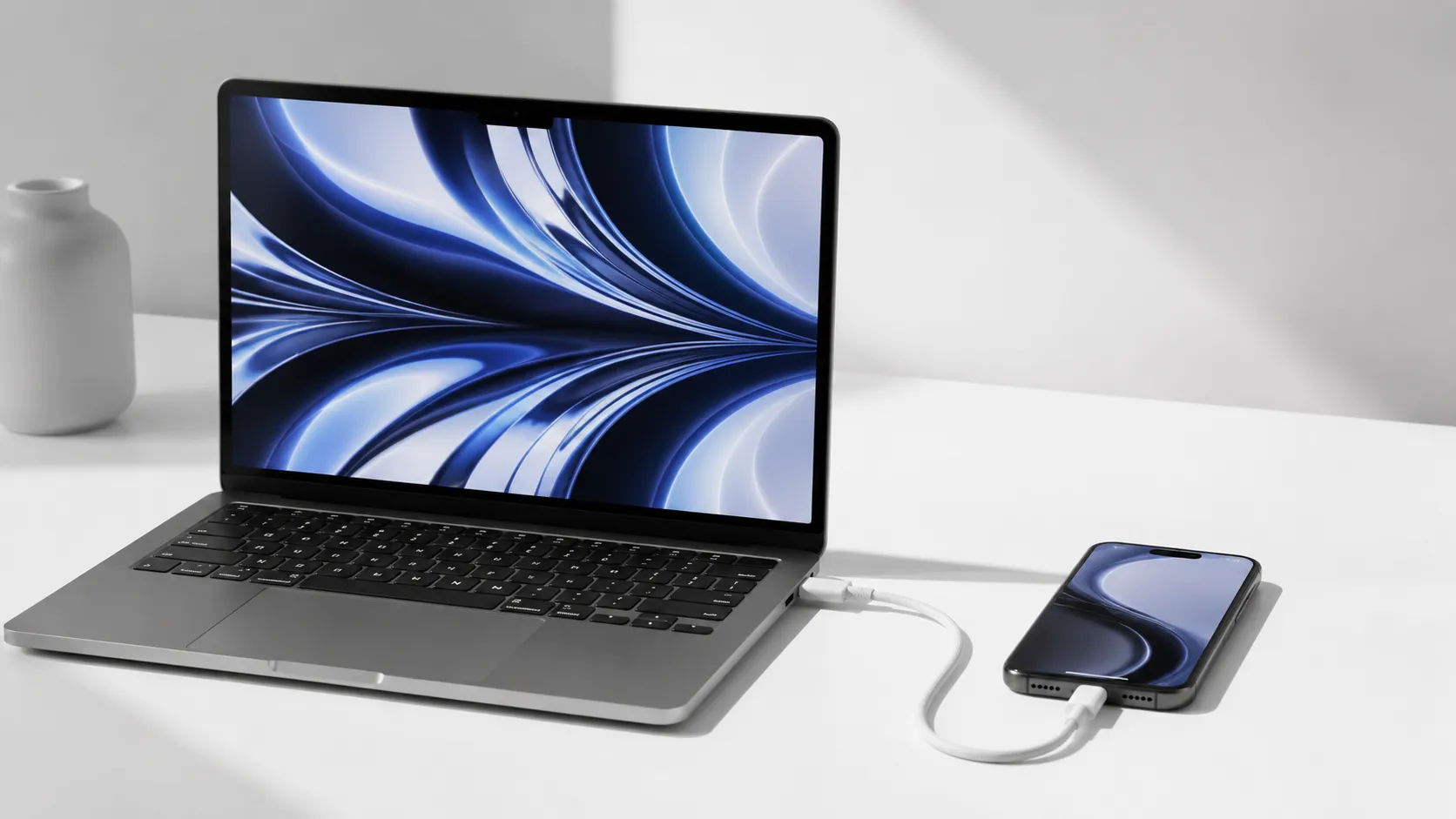
Your iPhone and your Mac are supposed to work as one, but moving data between them is still where most people get stuck. Whether you are copying music off an old iPod, backing up years of photos, recovering files after a mishap, mirroring your screen, or finally replacing iTunes, this hub collects every step-by-step guide we have. Each method is described from Apple's own documentation and the vendor's, with the free route always covered first.
Learn how to transfer iPhone music to Mac using Finder, iCloud, AirDrop, and third-party tools. Free and paid options covered with step-by-step instructions.
Six ways to transfer photos from iPhone to Mac, compared on speed, quality and reliability. Covers Image Capture, AirDrop, iCloud, and keeping HEIC files as the iPhone stored them.
Learn how to recover iPhone data from iCloud, iTunes, third-party software, or professional services, including when no backup exists or the device is broken.
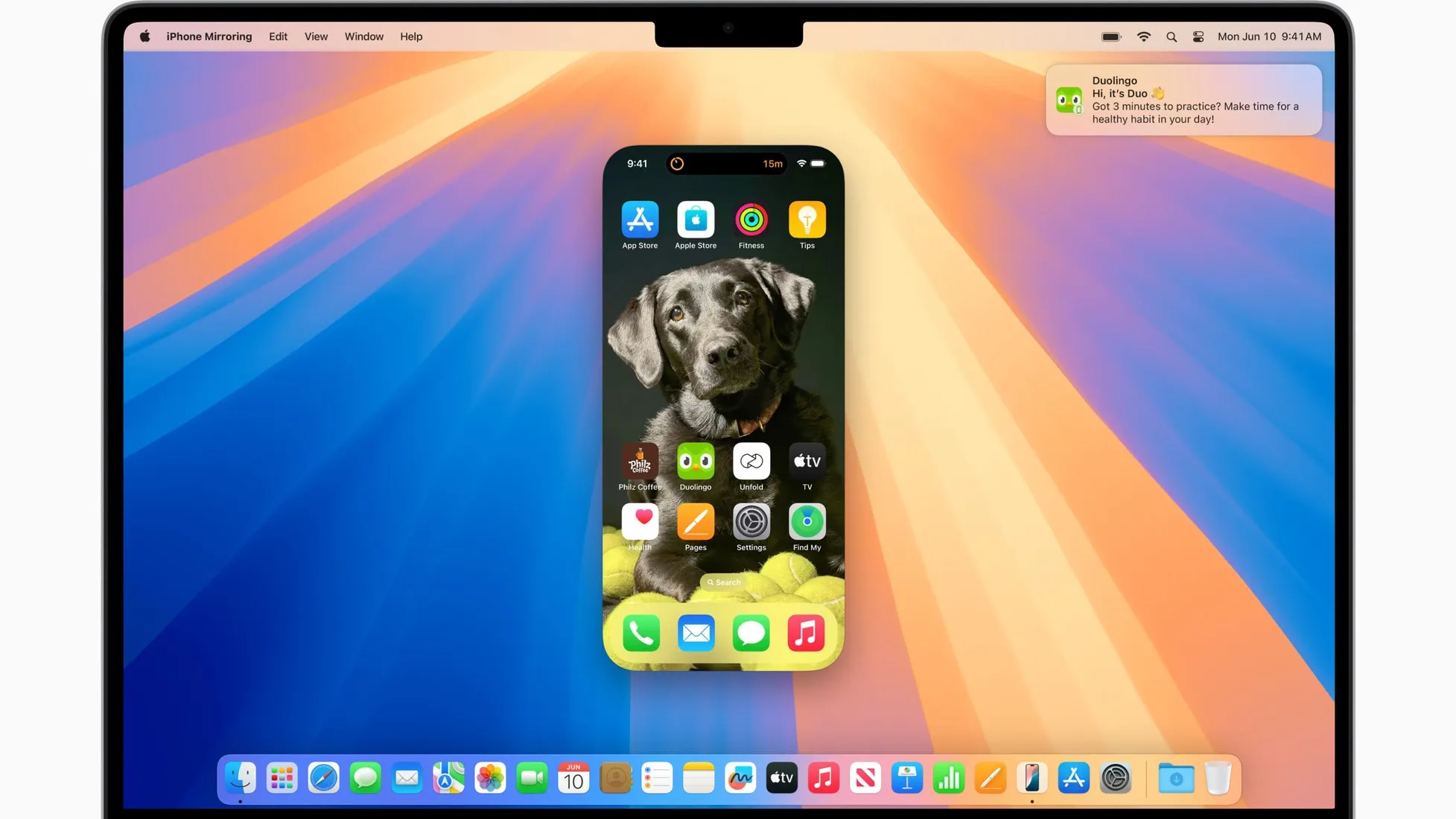
Learn how to mirror iPhone to Mac using iPhone Mirroring, AirPlay, or USB cable. Step-by-step setup, troubleshooting tips, and app comparisons.
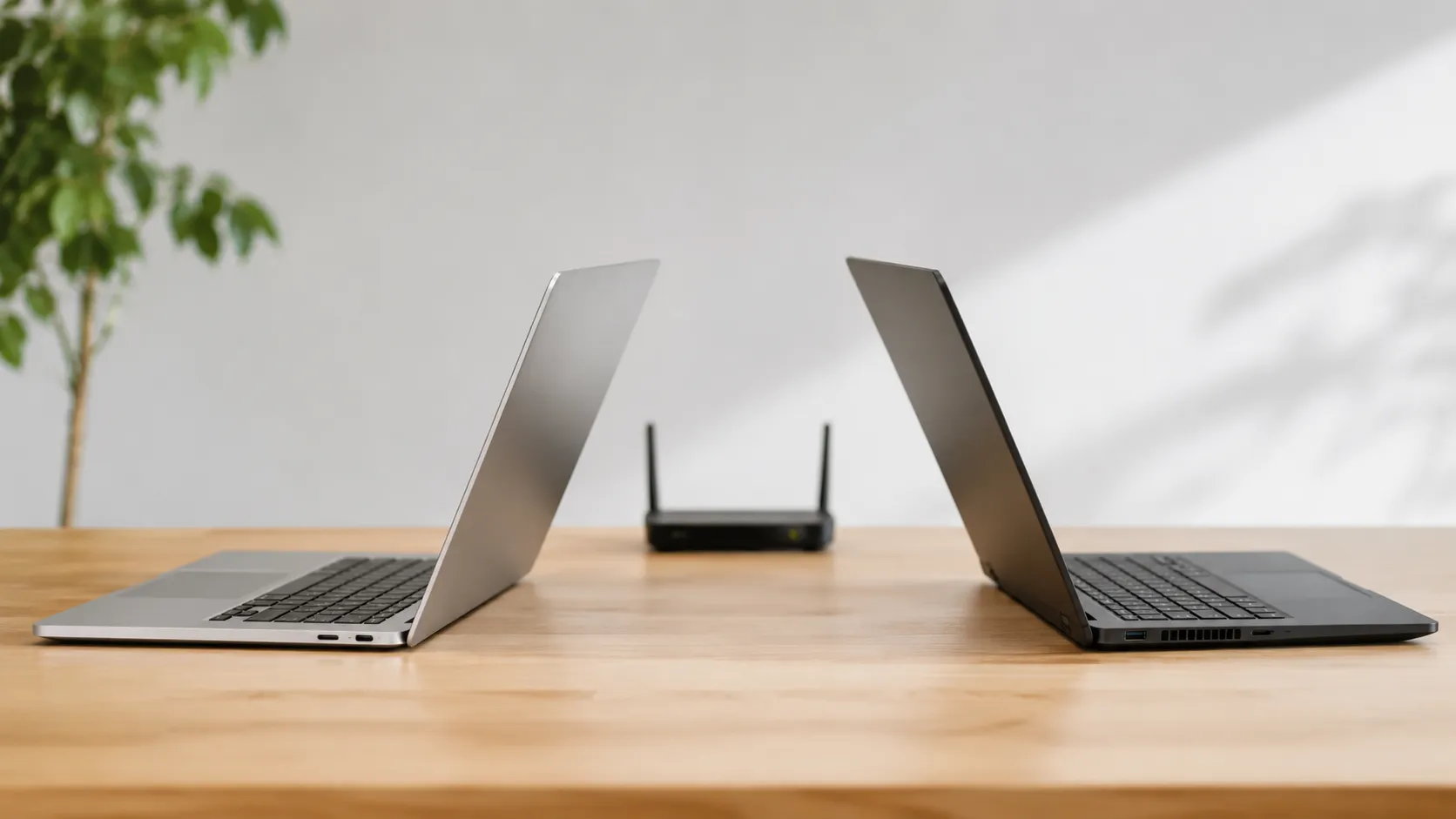
Learn how to share files between Mac and Windows using network sharing, cloud storage, USB, and third-party apps. Step-by-step guide for macOS and Windows 11.
iTunes alternatives for Mac and Windows in 2026, compared on library management, iOS sync and performance, with what each one costs. Free and paid options.
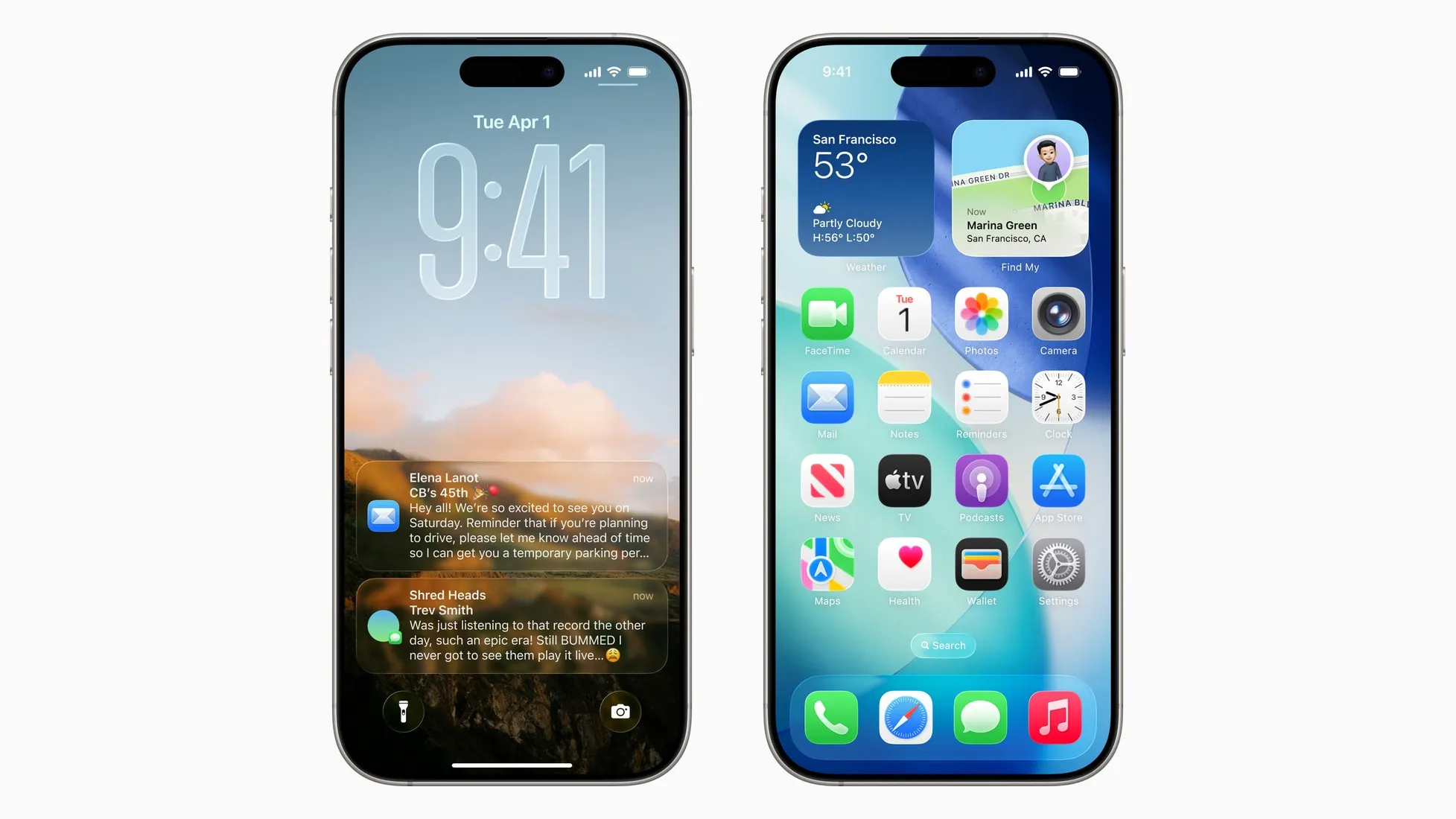
How to customize an iPhone on iOS 26: clear and tinted Liquid Glass icons, free-form layouts, an adaptive lock screen clock, and where Shortcuts still goes further.