Mac
Best Mac Cleaner in 2026: Free, Paid & Built-In Tools
The best Mac cleaner for 2026 compared: macOS built-in tools, free apps like OnyX and Mole, and paid suites, with real pricing and risks.
Liam has written about the Mac since 2009, with a background in IT support and macOS deployment across design studios. He focuses on hands-on testing of Mac software, system features, and the practical trade-offs Apple rarely spells out.
23 articles by Liam Hale
The best Mac cleaner for 2026 compared: macOS built-in tools, free apps like OnyX and Mole, and paid suites, with real pricing and risks.
Learn to read Mac Activity Monitor like a pro: CPU, Memory Pressure, Energy Impact, and which processes are safe to quit in macOS 26 Tahoe.
Step-by-step methods to reclaim disk space on macOS Tahoe: System Data, APFS snapshots, purgeable space, and built-in tools. Updated for 2026.
Learn how to fully uninstall apps on Mac, remove leftover files, fix stubborn apps, and handle macOS Tahoe's App Library changes. Updated for 2026.
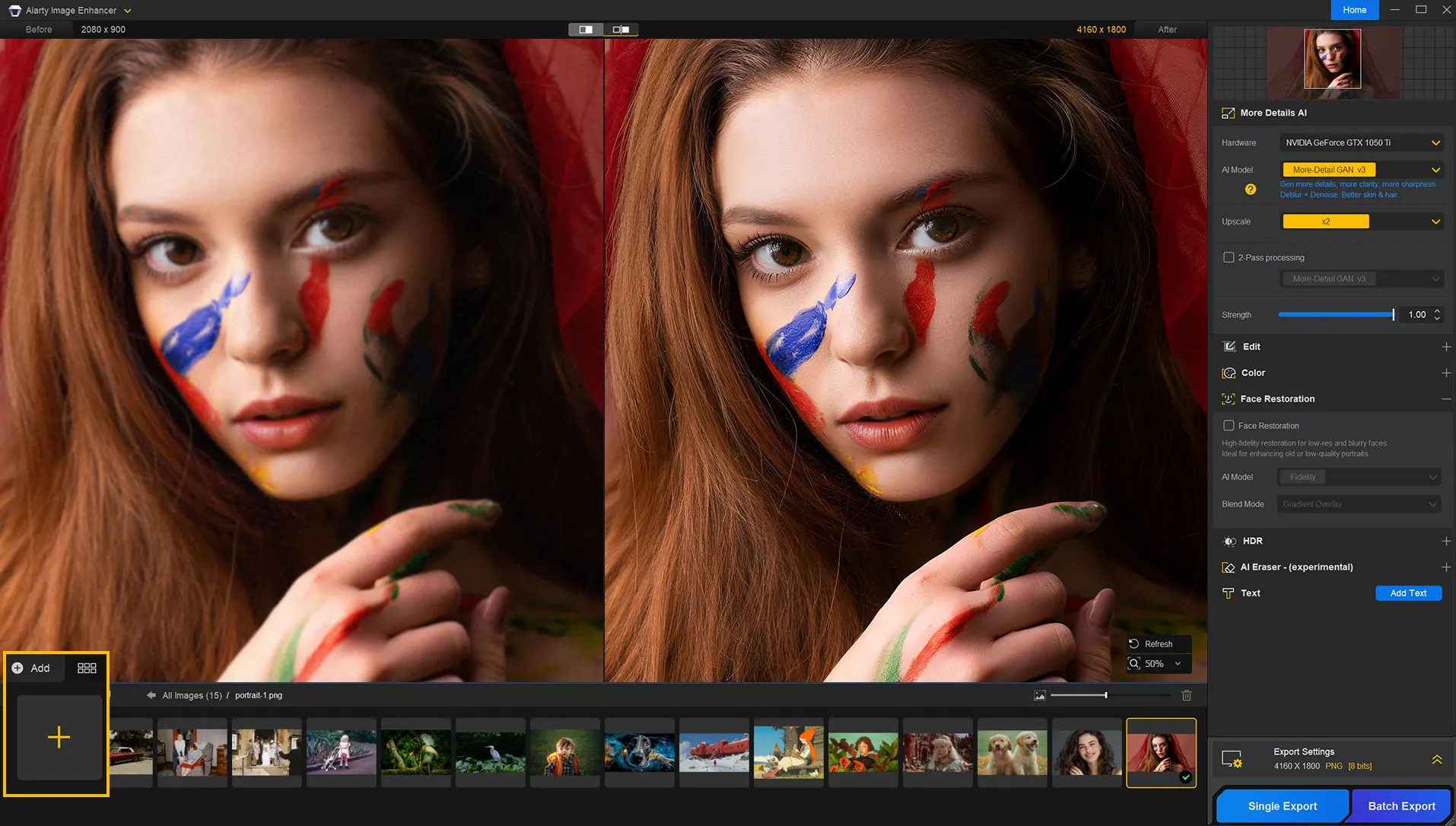
Find the best AI photo enhancer for Mac in 2026. We compare upscaling quality, restoration, pricing, and privacy across 9 tools including free and one-time-purchase options.
Find the best free video editor for Mac in 2026. No watermarks, 4K support, honest pros/cons for iMovie, DaVinci Resolve, CapCut, and more.
Copy or rip a DVD on Mac with free software like HandBrake, MakeMKV, and VLC. The best free DVD copier setup, step-by-step instructions, and copy-protection fixes.
macOS has no theme picker, but Tahoe 26 added native icon, folder and Liquid Glass controls. The MacBook customization stack that works in 2026.
Complete guide to converting MKV files on Mac and burning them to DVD or Blu-ray. Free and paid tools, step-by-step instructions, and troubleshooting tips.
The best free DVD burner for Mac: burn data DVDs, video DVDs, and ISO images with Finder and the free Burn app. Free DVD burning software, step by step, plus troubleshooting.
Step-by-step guide to adding subtitles to a movie and burning a DVD on Mac. Covers soft vs. hardcoded subs, top software, and troubleshooting tips.
The best free Mac resource monitors ranked: Stats, Monit, Activity Monitor, terminal tools, and battery apps to keep your Mac running at its best.
Learn how to share files between Mac and Windows using network sharing, cloud storage, USB, and third-party apps. Step-by-step guide for macOS and Windows 11.
Download YouTube videos on Mac in up to 8K, free. Compare yt-dlp, Downie, EaseUS, and online YouTube converters for Mac, with the exact steps and the quality each method delivers in 2026.
Halide Mark II review for 2026: Process Zero RAW, manual controls, and current pricing, plus how its features stack up against ProCamera and Moment for serious iPhone photography.
Compare the top 5 free YouTube downloaders for Mac in 2026: formats, daily limits, Apple Silicon support, and safety tips for each tool.
Step-by-step guide to import camera video on Mac via USB, SD card, or Wi-Fi. Covers Canon, Sony, GoPro, troubleshooting, and software options.
The best screen recorder for Mac in 2026: free built-in tools, no-watermark screen recording software, the top screen capture apps, OBS Studio setup, and audio tips for every skill level.
Find the best voice recorder for Mac in 2026. We compare free, paid, and built-in options for podcasting, lectures, and music production.
The M5 Max MacBook Pro with 128GB unified memory runs 80B-parameter LLMs locally on battery. We break down the specs, the $7,349 price, and who it is for.
At $599, the MacBook Neo is Apple's most affordable laptop ever. Powered by the A18 Pro chip, it delivers premium aluminum build quality and long battery lif...
The best free and paid video converter tools for Mac, from HandBrake to Permute. Convert DVR to MP4, edit clips, and speed up exports on Apple Silicon.
Preview reloads every file and chokes on RAW. Seven free photo and image viewers for Mac in 2026, ranked on speed, RAW, HEIC and WebP support.